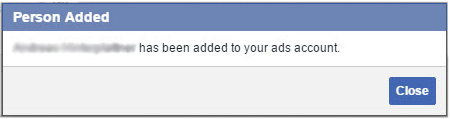
1) Make sure you’re logged in to your Facebook account.
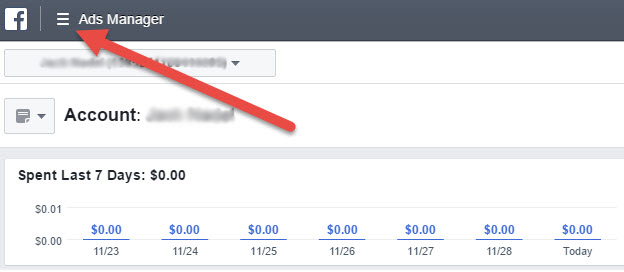
2) Open Ads Manager on a desktop computer.
3) Pull up the full navigation menu.
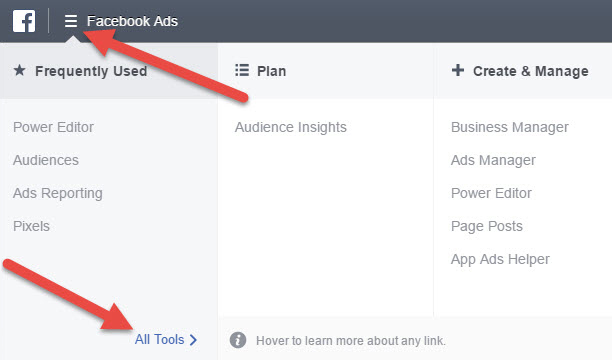
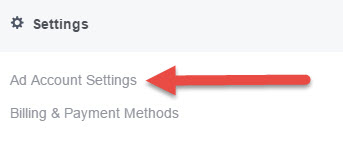
4) Click the Ad Account Settings link in the Settings section.
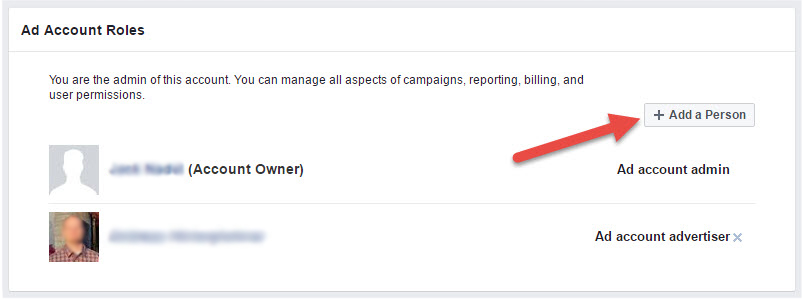
5) Scroll down to Ad Account Roles and click the + Add a Person button.
6) If the person you want to add is one of your Facebook friends, you can type in his or her name and their profile will be displayed. You can also add users by typing in an email address. (These users need to allow searches by email for this to work.)
7) Select a user role from the drop-down menu. Ad account advertiser is probably the one you’ll want to choose. Learn more about the different advertising permissions.
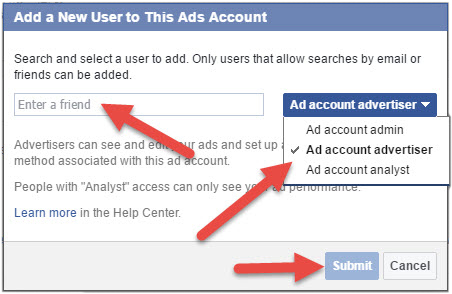
8) Click Submit.
9) The user you added will receive an automated notification and you’re all set.